
Today, we release build 20260626 of Nimi Visuals, which most importantly fixes an issue that caused it to refuse to operate after the user session ended.
Due to a typographical error — a missing letter C before a function name — the installer was scheduling files for removal instead of cancelling their removal. This resulted in required libraries being deleted after the session ended.
The issue was discovered during installation testing.
We apologize for any inconvenience this issue may have caused, as well as for discovering it so late.
Lastly, build also brings improved UI performance when using localization, thanks porting fixed-index localization caching from the Nimi Places project.
- Fixed update package not cancelling, but re-scheduling files for removal, when unpacking.
- Ported fixed-index caching to the localization module from Nimi Places project.
- Other changes, updates and fixes.

 16x16px
 32x32px
 48x48px
 64x64px
 128x128px
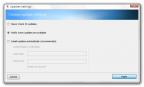 Auto-update settings
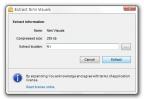 Self-extracting archive for Nimi Visuals
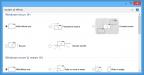 Settings window adapted to system theme
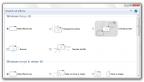 Settings window
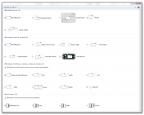 Settings window with list of all effects
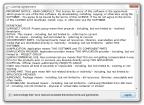 License agreement prompt
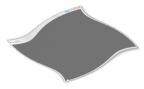 Window being twirled out while minimizing
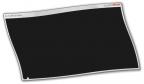 Window being twirled out while minimizing
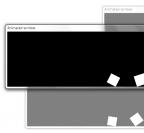 Transparent inactive windows
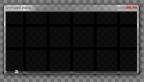 Windows being shuffled on focus change
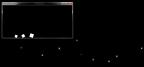 Moved window leaving trail of pixi dust
 Liquification transition of minimized window
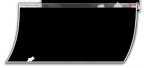 Jelly-like wiggling window
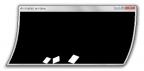 Jelly-like wiggling window
 Window minimized with jellify transition
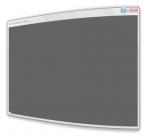 Window minimized with jellify transition
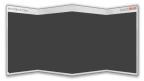 Window closed with fold transition
 Window warped to opposite edge
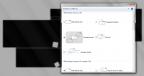 Settings window over contrast screen
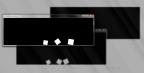 Window over contrast screen
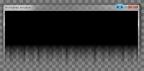 Window minimized with aurora transition